Product workflow
A structured path from site information to a user-confirmed assessment summary.
Wind Calculator organises the information needed for a wind-classification assessment into a guided digital workflow. The application handles accounts, access, calculations, saved assessments and reports; this website explains the process and its limitations.
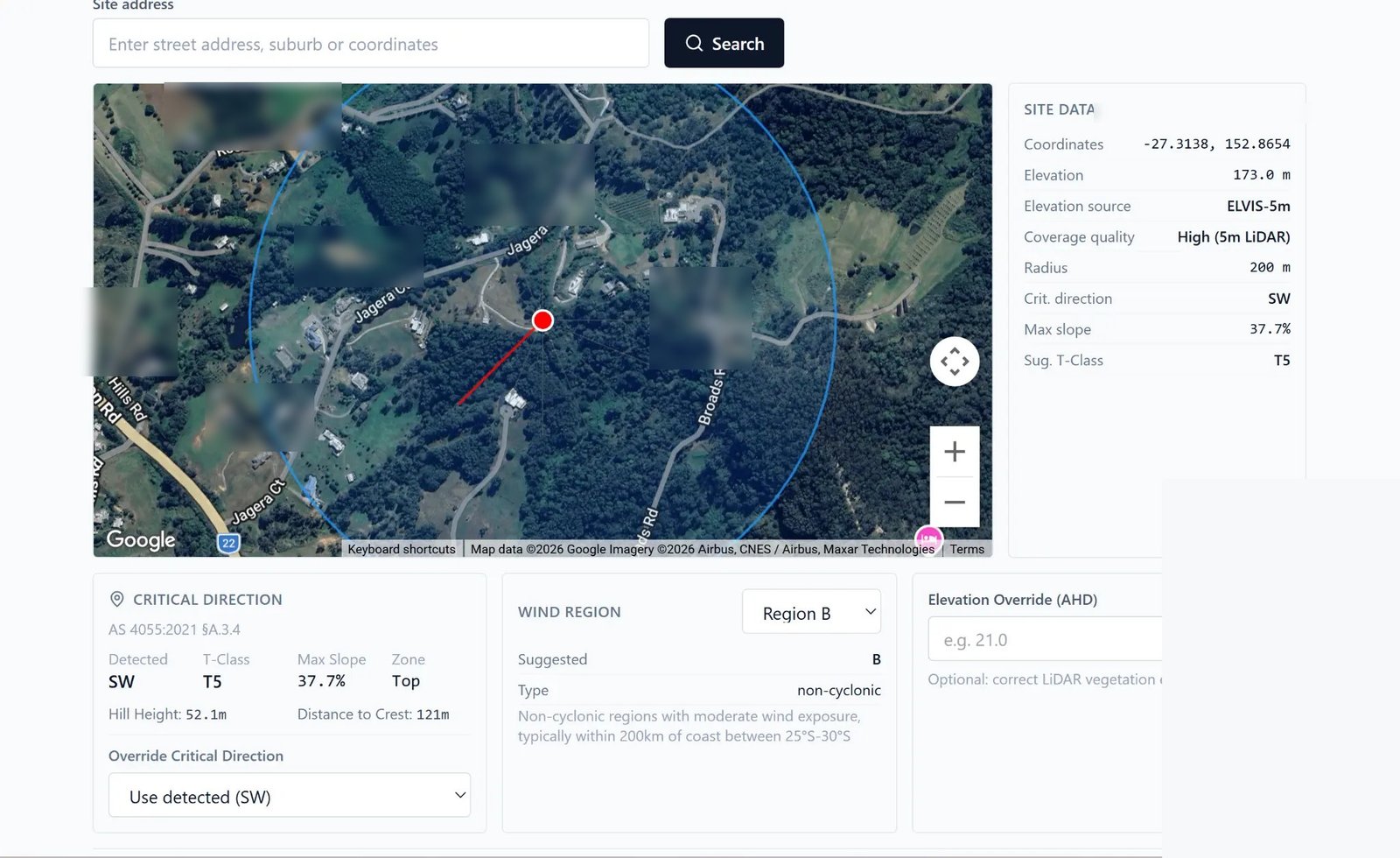
The assessment workflow
Locate the site
Enter the site address and relevant project details.
Review available information
Review mapping, elevation data, imagery and identified data-source limitations.
Confirm assessment inputs
Review and confirm or amend the suggested parameters using current site conditions, available project information and appropriate judgement. Automated suggestions are not final determinations.
Calculate the classification
The software applies its calculation logic to the inputs confirmed by the user.
Generate the report
Generate a structured PDF recording the confirmed inputs, data sources, calculated output and relevant limitations.
Applicability confirmation: Before calculating a classification, the user must confirm that the proposed building falls within the intended application of the assessment method and that the selected standard and edition are appropriate.
What you should have ready
- A clear project or property reference.
- Sufficient information to identify the site context.
- Your lawfully obtained current standard and any relevant regulatory or project requirements.
- Professional advice where the site, building or proposed use falls outside the tool’s intended scope.
Standards notice: This website provides original, general information and does not reproduce AS 4055 or any other Australian Standard. Obtain the current authorised publication from Standards Australia or an authorised distributor, confirm applicability, and seek appropriate professional advice.
Next step
Ready to work through an assessment?
Join the beta interest list and we will contact suitable testers as access becomes available.